
When merchants set up their Shopify store, they tend to focus on the payment gateway. As important as it is, payment processing shouldn’t be the only thing you take care of. To improve the customer experience, collect meaningful customer data and build a base for steady revenue, you should rethink what happens after checkout.
If you haven’t tried post-purchase surveys yet, they can change how you run your store. Placed in the right spot, visually engaging and perfectly timed, a survey gets response rates that no other feedback channel can match.
At the end of the day, an NPS score or a star rating won’t answer your business questions. Only by asking customers the right questions can you understand why certain products don’t convert, what demand you could meet in the future, how customers learn about your brand and why they choose to shop with you.
So how do you choose the right survey app for your store? This guide is here to help. We break down the five best survey apps for Shopify by features, ease of setup and integrations, so you can pick the one that fits.
1. Apricot Survey App
Apricot post-purchase app is one of the newest and most rapidly developing tools on the market. It covers standard survey types (post-purchase, NPS, customer satisfaction (CSAT), on-site and exit-intent surveys) and also lets you build custom surveys for any other purpose. The app is built specifically for Shopify and focuses on the problems that usually hurt survey results.
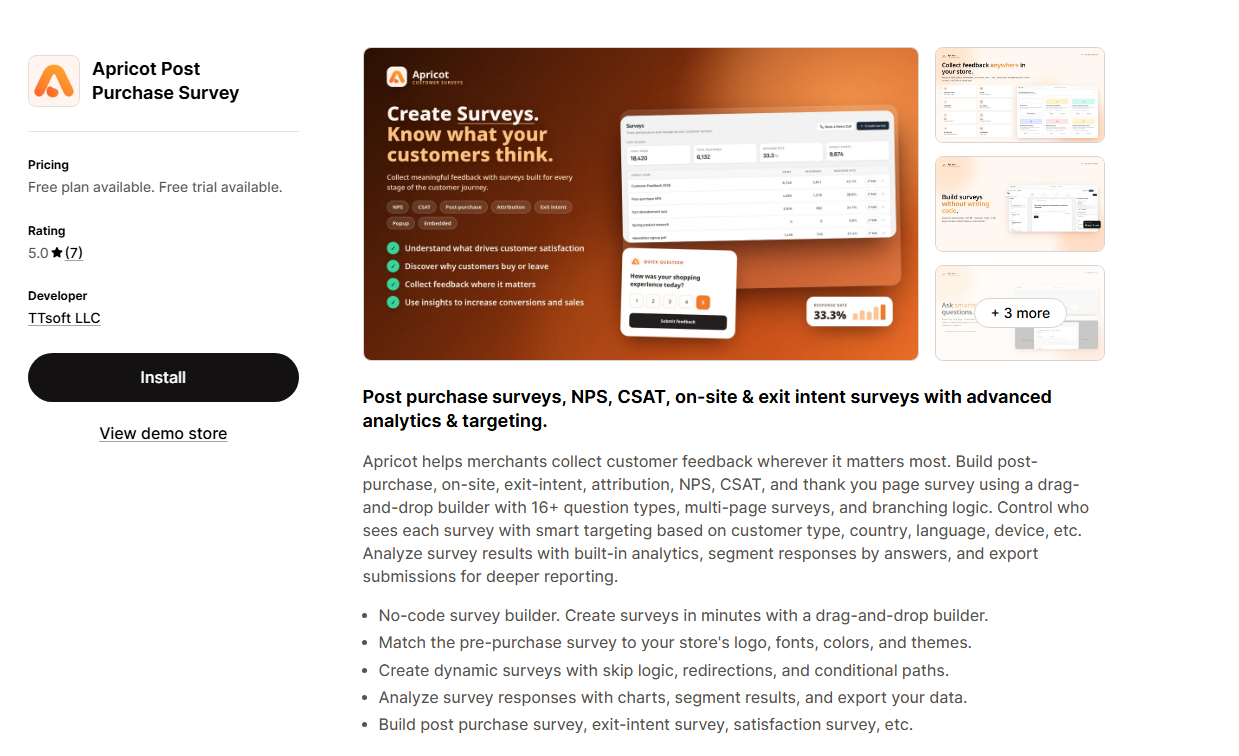
Question types and placements. Apricot offers 15+ question types to choose from, ranging from the standard ones (such as single choice, multiple choice, email and name) to ready-made CSAT and NPS questions, so you don’t need to build a rating scale yourself.
Surveys can be published in four ways: as an on-site pop-up, on the thank-you page (post-purchase), as an exit-intent pop-up, or inline (embedded in a page). This means you can run different kinds of surveys in different places on your site with just one app.
Multi-page surveys. With Apricot, you can create multi-page surveys instead of long one-page forms, which are a common reason for high drop-off rates. Showing a few questions per page fits naturally into the purchase process and doesn’t make customers feel overwhelmed.
Branching and customer targeting. Both features make your surveys more relevant and personalized. Branching changes the next questions based on the customer’s earlier answers, much like a product recommendation quiz. Customer targeting lets you choose who sees a survey: new or returning customers, and you can narrow it down further by country, language, device or browser.
Analytics and data export. Apricot’s analytics section shows not only total views and completion rates but also a question-by-question breakdown. If NPS is your main focus, there is a separate section just for NPS results. And if you need more than the built-in reports, you can export the data and filter or segment customer responses any way you like.
2. SEA Post-Purchase Survey Quiz
Another popular option is SEA Post-Purchase Survey Quiz. SEA combines a quiz and a survey: after a purchase, the customer answers a short survey and then gets product recommendations based on those answers. The app’s surveys are designed to look engaging, and an engaging design usually gets more customers to answer.
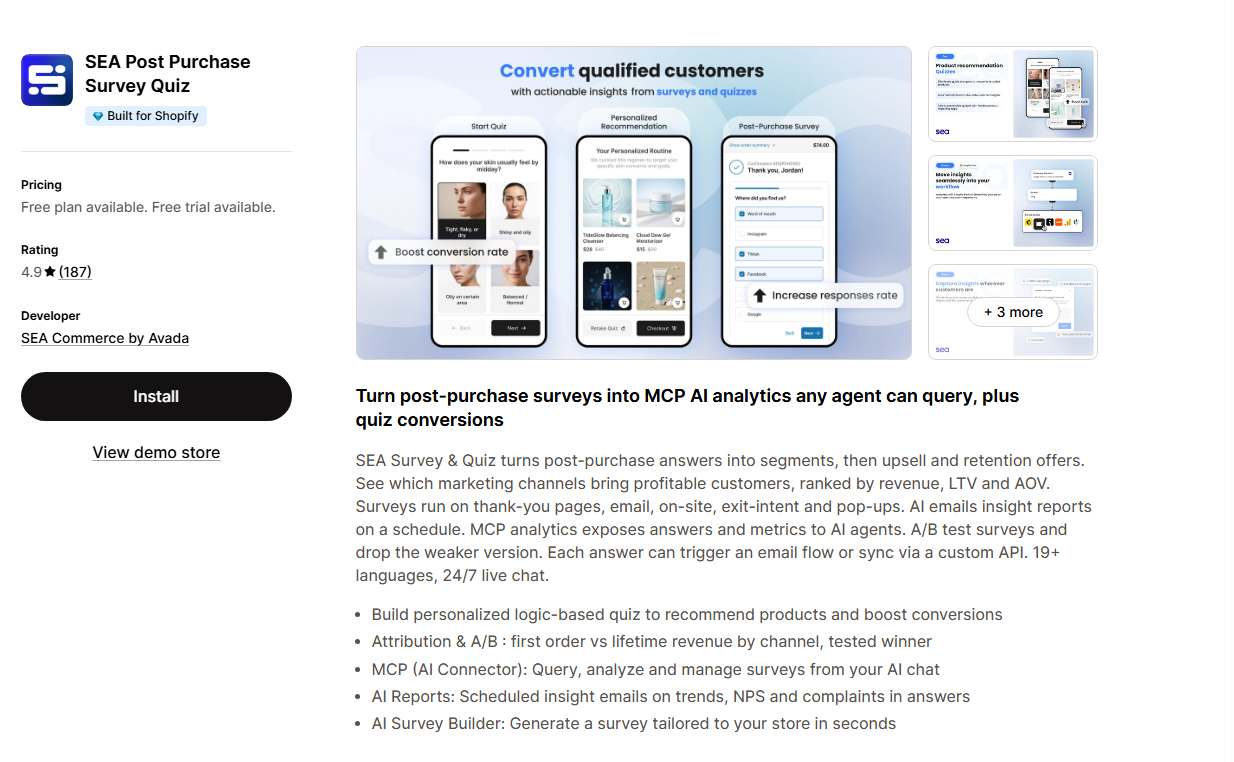
Quiz/survey builder. You build the survey and the product quiz in one editor. If you have used product quizzes before but never surveys, this makes the first survey much easier to set up.
Conditional logic. Like Apricot’s branching, SEA changes the next questions based on the customer’s earlier answers. SEA can also take the customer’s purchase history into account.
Revenue attribution. SEA connects survey insights with marketing performance data, helping merchants understand which channels bring in customers and how those customers perform in terms of revenue, lifetime value, and average order value.
3. KNO Post-Purchase Surveys
KNO Post-Purchase Surveys is one of the most popular options on the Shopify App Store. It is especially highly rated for zero-party data collection features and an impressive range of integrations. It is also known for its flexible targeting options.
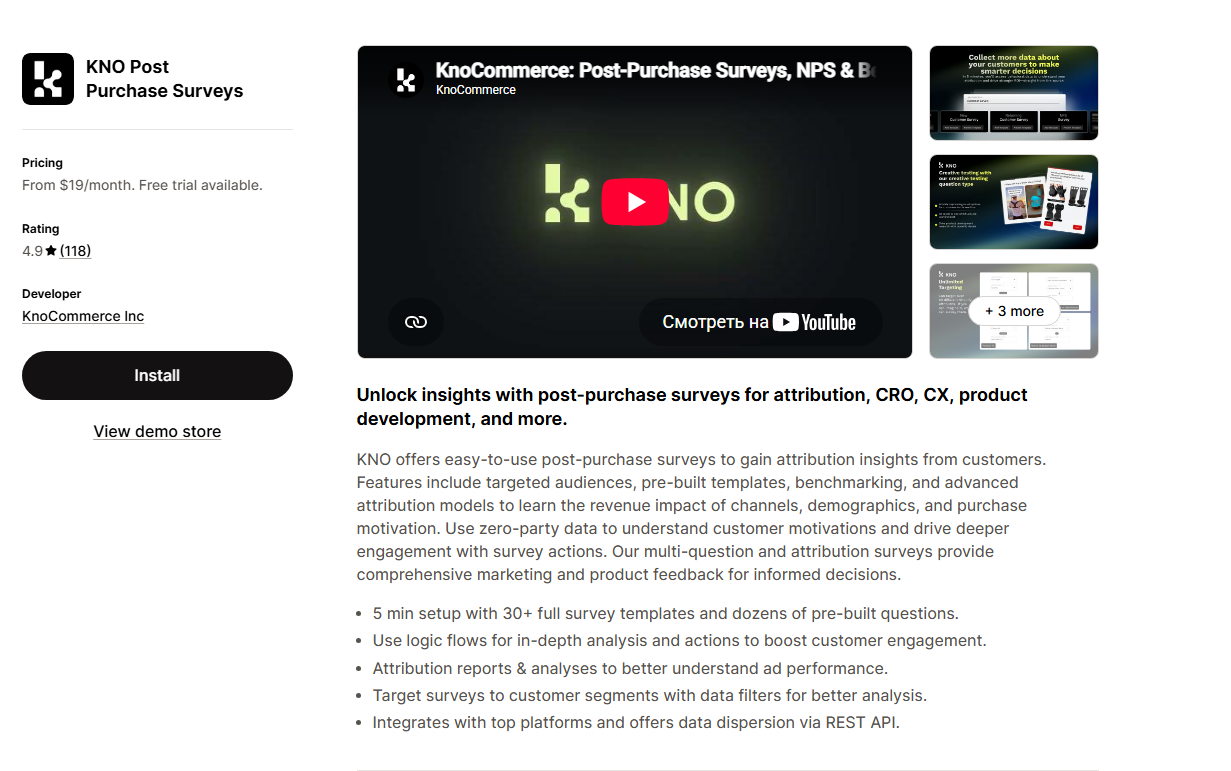
Marketing distribution. Since iOS 14, ad platforms track fewer purchases. KNO helps you fill this gap: right after checkout, it asks customers where and how they heard about your brand.
Targeting options. KNO offers 60+ targeting parameters. Like many other apps, it can show surveys to new or returning customers, but it can also use order value, shipping region and many other customer signals as targeting filters.
Integrations. To use zero-party data, you need to send it to the tools where you segment your audience. KNO connects with email marketing apps such as Klaviyo. It also works with Recharge and Shopify Flow, for example to tag customers automatically based on their answers.
4. Grapevine Post-Purchase Surveys
Grapevine Post-Purchase Surveys is a feature-rich but very easy-to-use survey tool. You can use it for post-purchase surveys and other types too, and most of them have ready-made templates. It is also a good option for beginners because of its clear analytics and easy setup.
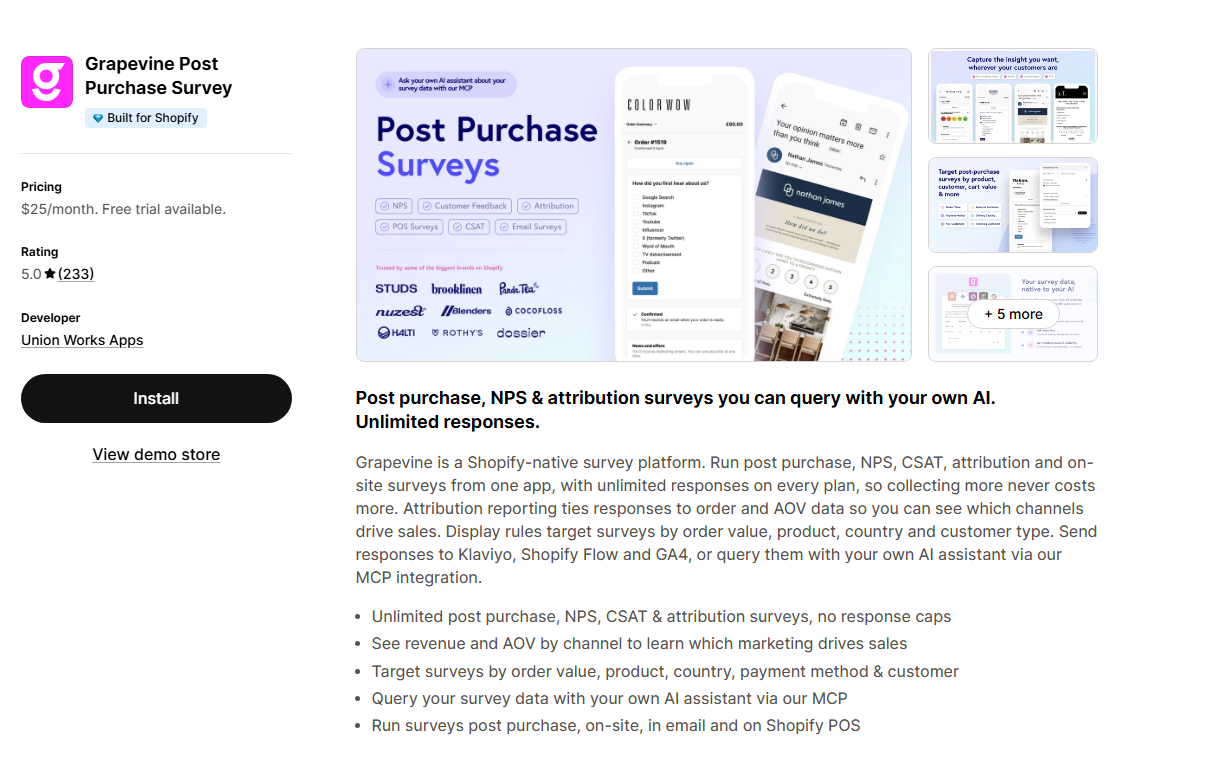
Multiple survey channels. You can run surveys post-purchase, on-site, in one-click email surveys, embedded on any page, on Shopify POS or on a standalone landing page.
AI integration (Grapevine MCP). Grapevine can connect your survey data directly to your AI assistant, so you can analyze responses without manual exports or spreadsheets.
Survey types and templates. Grapevine has templates and question types for attribution (“How did you hear about us?”), NPS, CSAT, customer feedback and buying motivation.
5. EG Contact Form Builder Survey
EG Contact Form Builder Survey is built specifically for Shopify and earns its place on our list because it lets you collect feedback across the whole purchase journey: on the thank-you page, in on-site pop-ups, in exit-intent pop-ups and more.
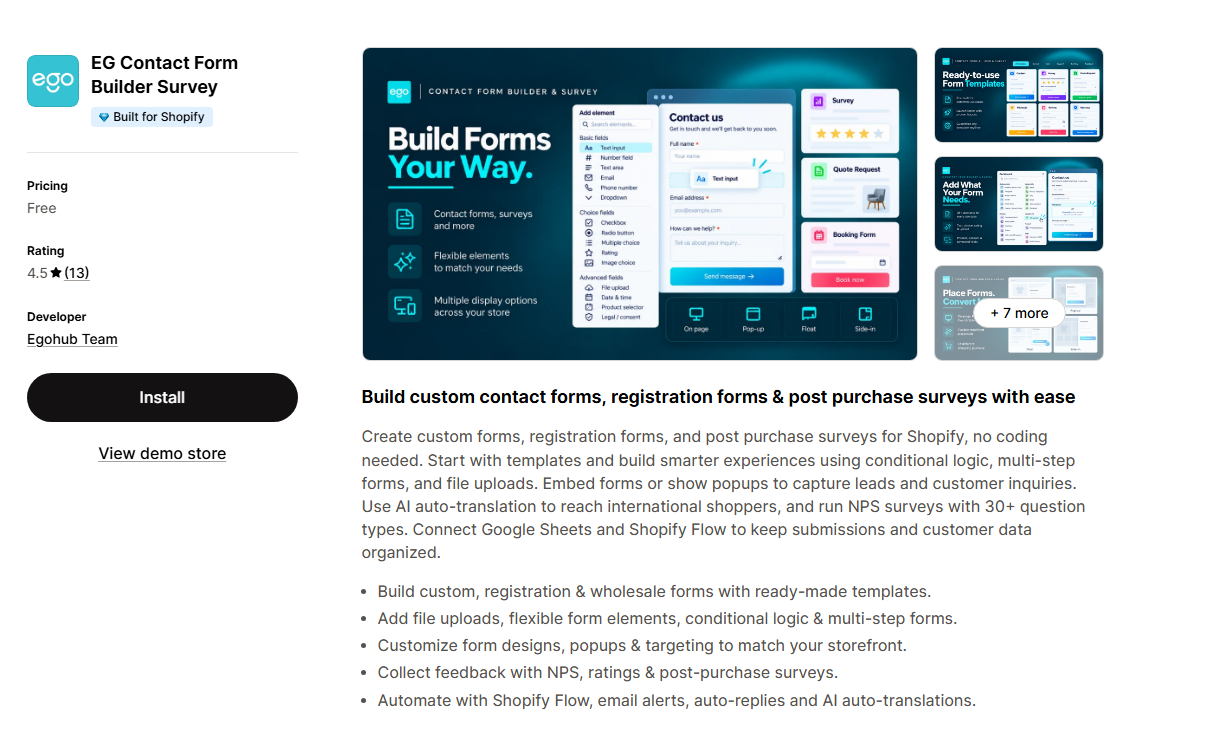
Smart targeting and tags. Like some of the apps above, EG can trigger specific survey flows based on the customer’s answers, purchase history, Shopify customer tags or what is in the cart.
Shopify Flow. Connect EG to Shopify Flow to tag customers automatically. For example, you can tag customers so your support team can follow up with them, or even launch a targeted follow-up survey.
Analytics and reports. EG offers detailed analytics and visual reports, so the data is easy to understand and break down.
Table for quick comparison
If you still haven’t decided which app is best for your store, check the table below. It sums up what you can do with the data from each app and which type of store each app suits best.
| Survey app | Best for | Survey placement | What you can do with the data | Ideal store type |
|---|---|---|---|---|
| Apricot Survey | Creating different types of surveys in one app | On-site pop-ups, inline forms, thank-you pages, and exit-intent surveys | Analyze responses by question, segment feedback, and export data for further analysis | Stores that need flexible surveys and detailed analytics |
| SEA Post-Purchase Survey Quiz | Combining customer feedback with product recommendations | Post-purchase experience | Recommend products based on customer responses and analyze marketing performance | Stores that want to connect feedback collection with product discovery |
| KNO Post-Purchase Surveys | Attribution and zero-party data collection | Post-purchase surveys | Understand how customers discovered the brand and send insights to marketing tools | Stores that rely on paid advertising and audience segmentation |
| Grapevine Post-Purchase Surveys | Straightforward feedback collection and reporting | Primarily post-purchase surveys, but other surveys are available | Analyze attribution, customer satisfaction, and buying motivation | Stores looking for a focused survey tool with accessible analytics |
| EG Contact Form Builder Survey | Targeted surveys and automated customer tagging | Multiple purchase-related and on-site placements | Segment customers, trigger follow-ups, and organize customer data through Shopify Flow | Stores that want to connect feedback with customer management workflows |
Conclusion
No matter which app you choose, a few simple things will help you get more survey responses. In fact, how you write your questions and who you show them to matter much more than the app itself.
Keep your survey short and easy to complete. A small reward also helps: a discount code or bonus store credit for finishing the survey increases participation without lowering response quality.
Finally, match the survey to your store’s design. Then it feels like a natural part of the shopping experience, not an extra task for your customers.
Make the most of your surveys, and let your customers tell you what to improve next.